Marketplace listings are how you sell, rent, or give away theatre resources. Paid plans include listings. Free Maker accounts can publish with a one-time fee.
-
Open Marketplace from the Creator Dashboard left menu.
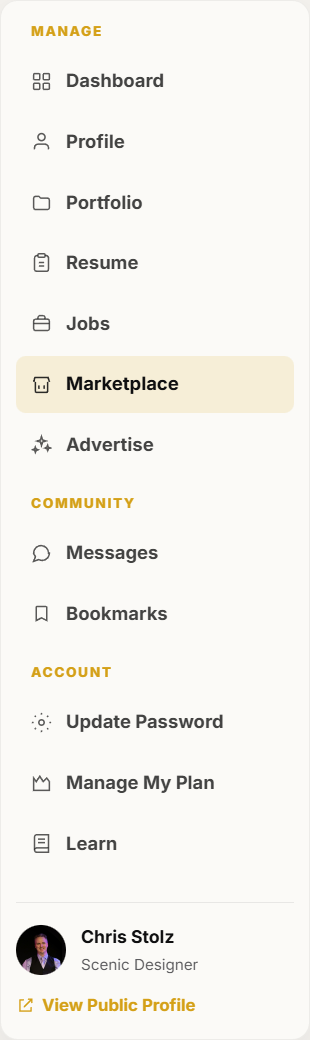
Marketplace is in the dashboard left menu. -
Click Create listing.
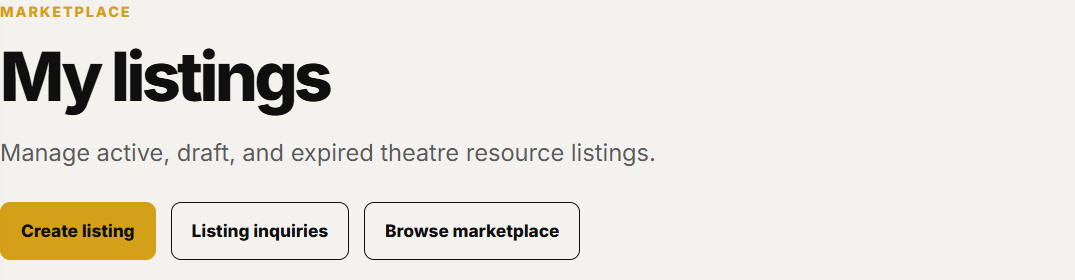
Create listing is the primary button on My listings. -
Enter a clear title, category, transaction type, price, location, and description. Add dimensions, condition, and what is included when they help a buyer decide.
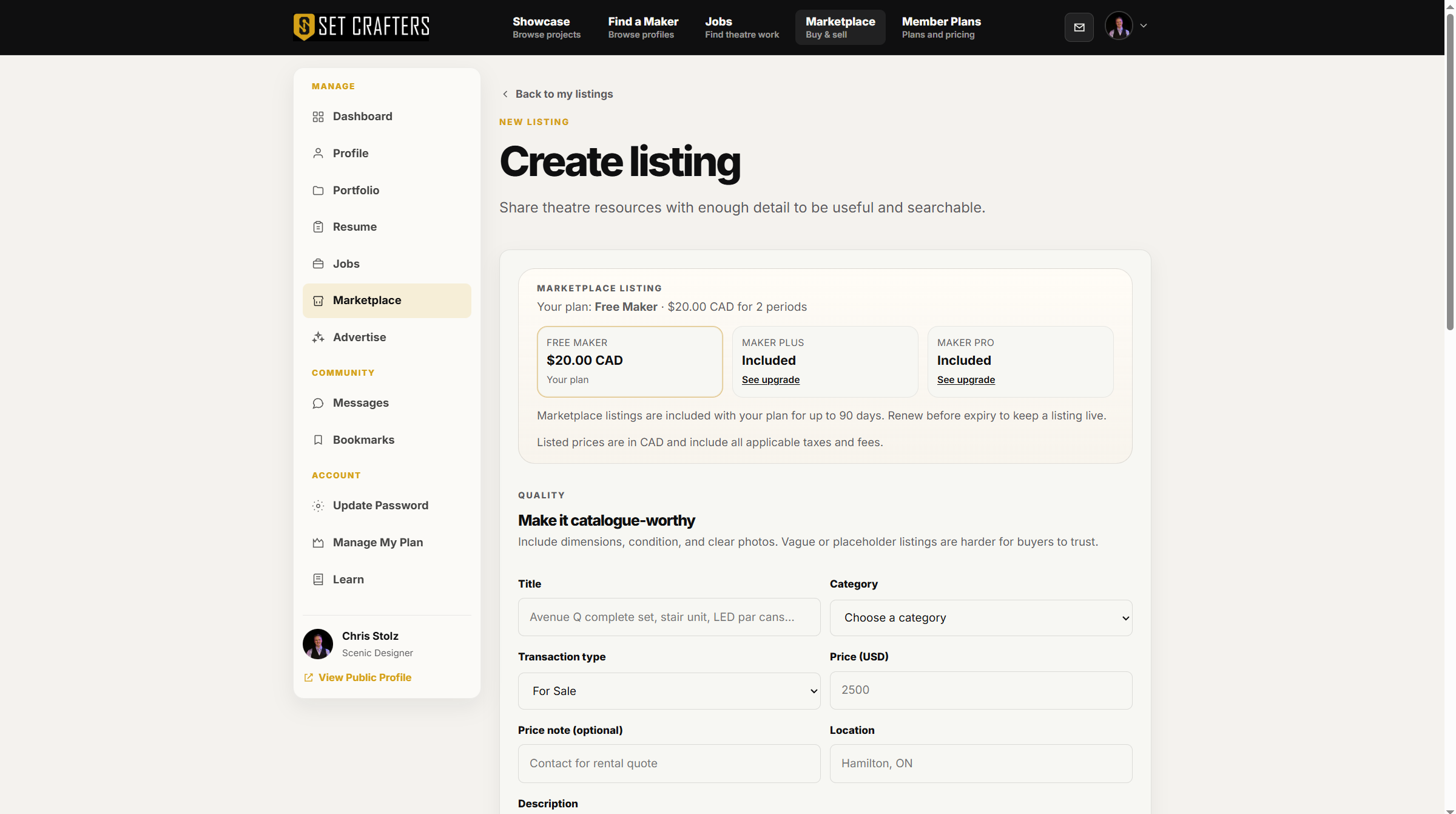
The listing form starts with title, category, price, and description. -
Click Save & continue to photos. Photos are a second screen after details. Upload at least one photo before the listing can go public. Three or more helps buyers see scale and condition.

Save & continue to photos is the primary action on the details form. -
Publish when the listing is ready. Watch My listings for status, views, and inquiries. Use Listing inquiries to answer buyers.