Open Marketplace listing inquiries as a seller or buyer and keep the conversation on that item.
Listing inquiries are questions about a Marketplace item. They are not general Messages. Buyers start them with Contact Seller. See Browse the Marketplace and contact a seller.
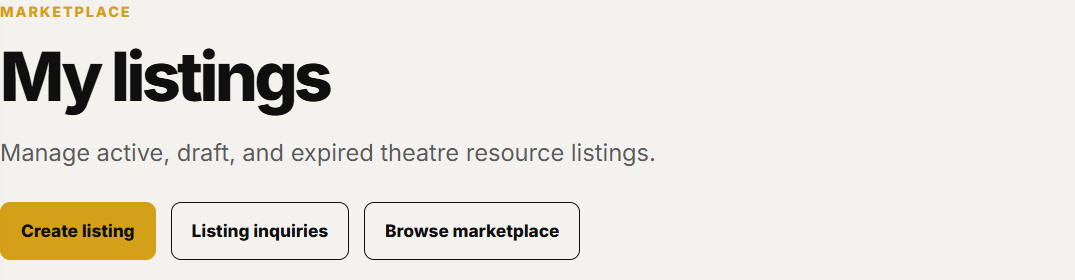
Open Marketplace in the Creator Dashboard, then click Listing inquiries.
Listing inquiries is a button on My listings.
Filter As seller, As buyer, or All.
Listing inquiries can be filtered by seller or buyer.
Open an inquiry to read the thread tied to that listing.
Screenshot coming soonAn inquiry page shows the listing and the conversation.
Reply from that page. The thread stays on the listing. Use Messages only for conversations that are not about a Marketplace item.