You post jobs from your dashboard. Volunteer postings may be included with Maker Plus or Maker Pro. Paid jobs are available on all plans, sometimes with a posting fee.
-
Open Jobs in the Creator Dashboard, then click Post a job.
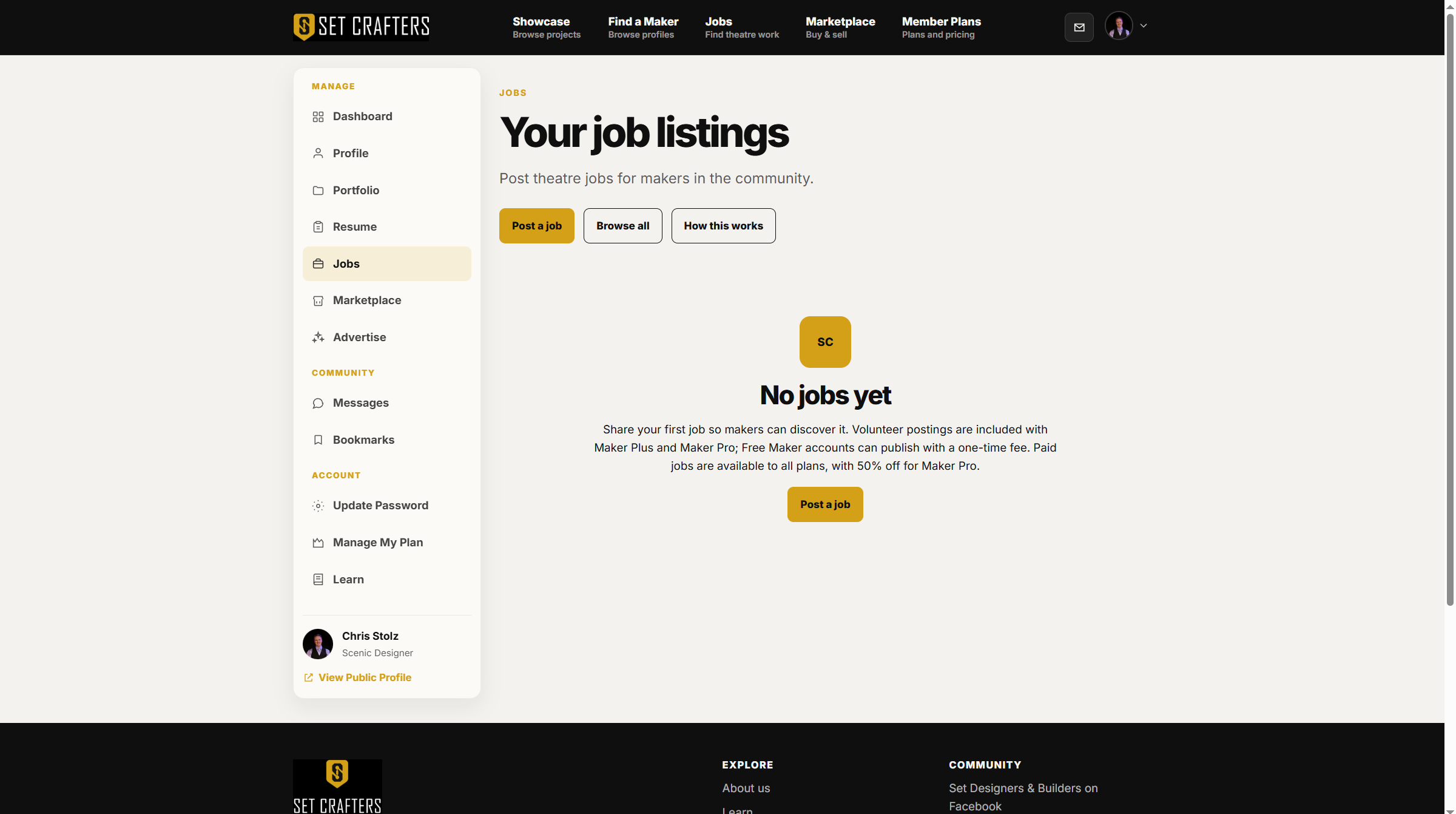
Post a job is the primary button on Your job listings. -
Enter the title, company, production, location, dates, and description.
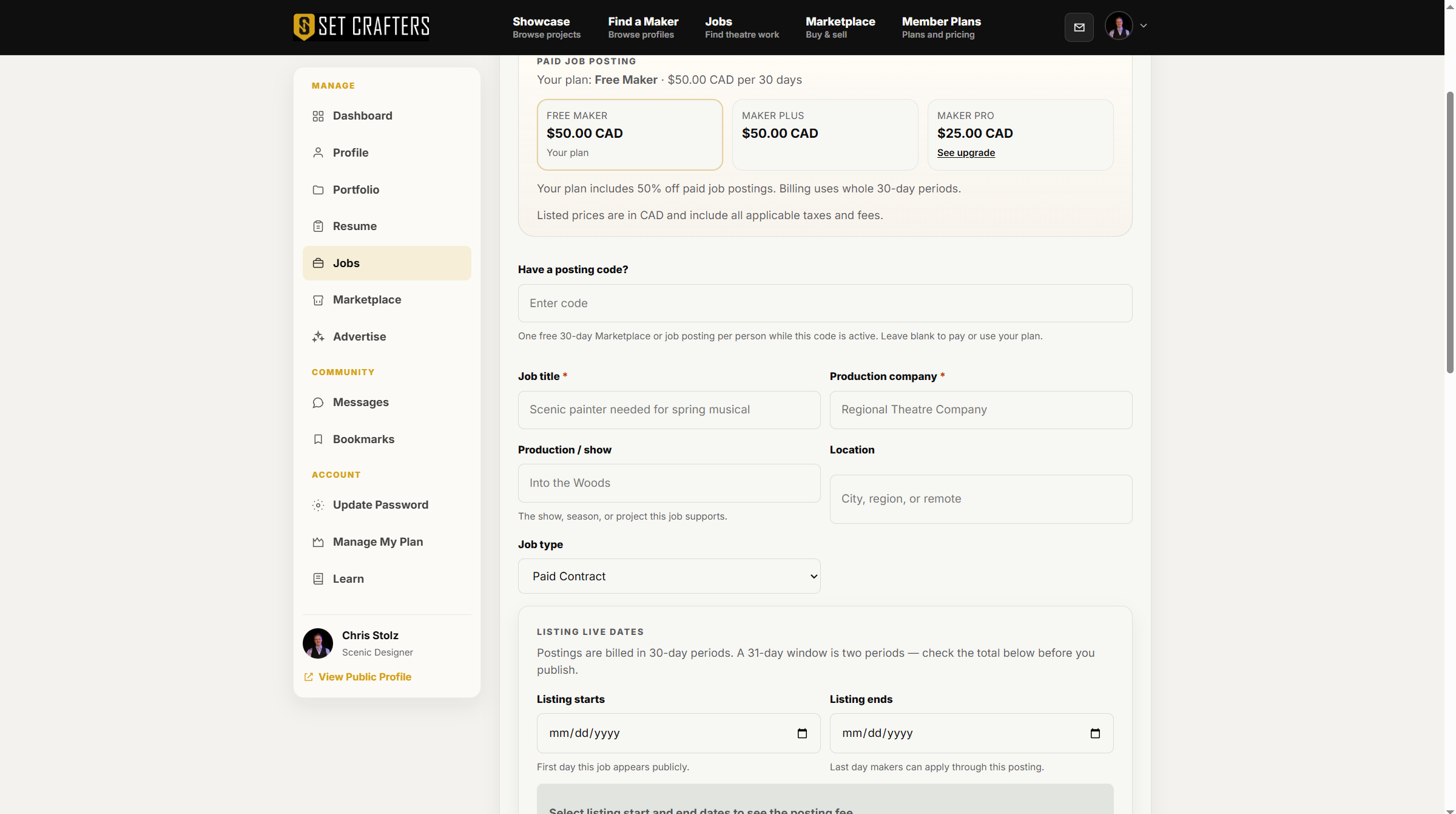
The job form starts with title, company, and production fields. -
Choose paid or volunteer, then set how people apply: on SetCrafters or via an external URL.
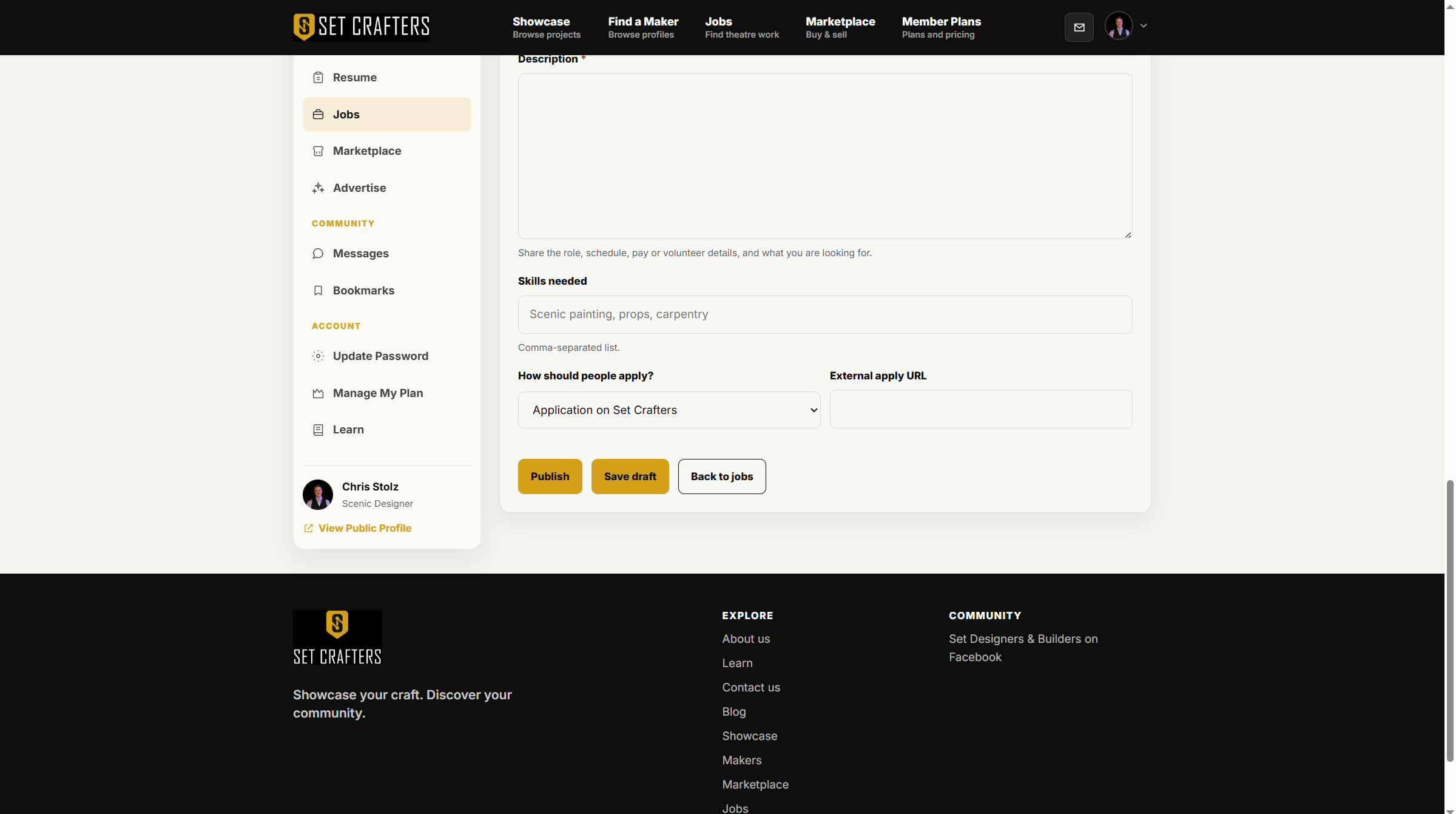
Apply method is on the job form: platform or external URL. -
Add an optional poster image, then save as a draft or publish.

Publish and save-draft actions sit at the bottom of the job form. -
If the site asks for a posting fee, complete checkout. The listing goes live after payment succeeds.
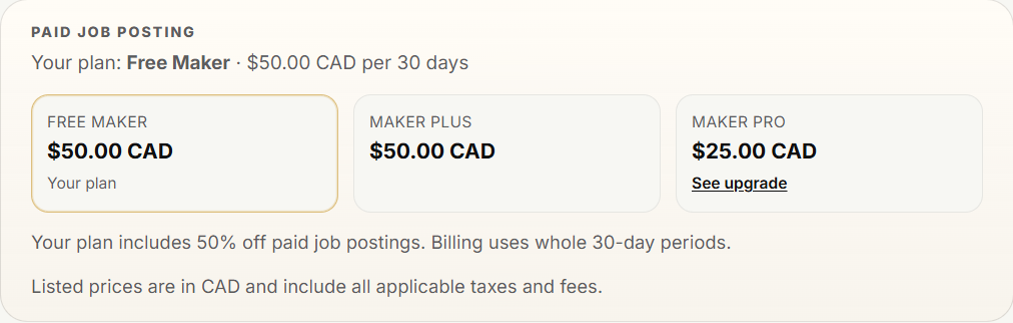
Checkout appears when a one-time posting fee is required. -
From Your job listings, open a job to review applications or mark the role filled.