Advertising is booked from your dashboard. Campaigns are reviewed before they run on Homepage, Find a Maker, or Marketplace.
-
Open Advertise in the Creator Dashboard, or read the public Advertise page first if you want placement context.
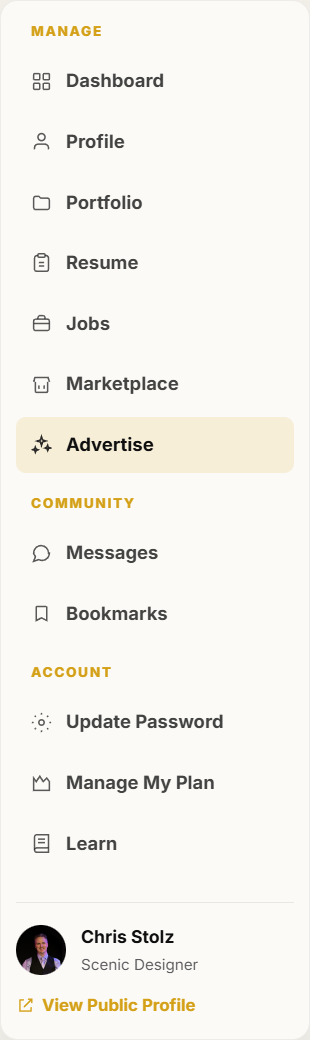
Advertise is in the dashboard left menu. -
Click Book a placement.
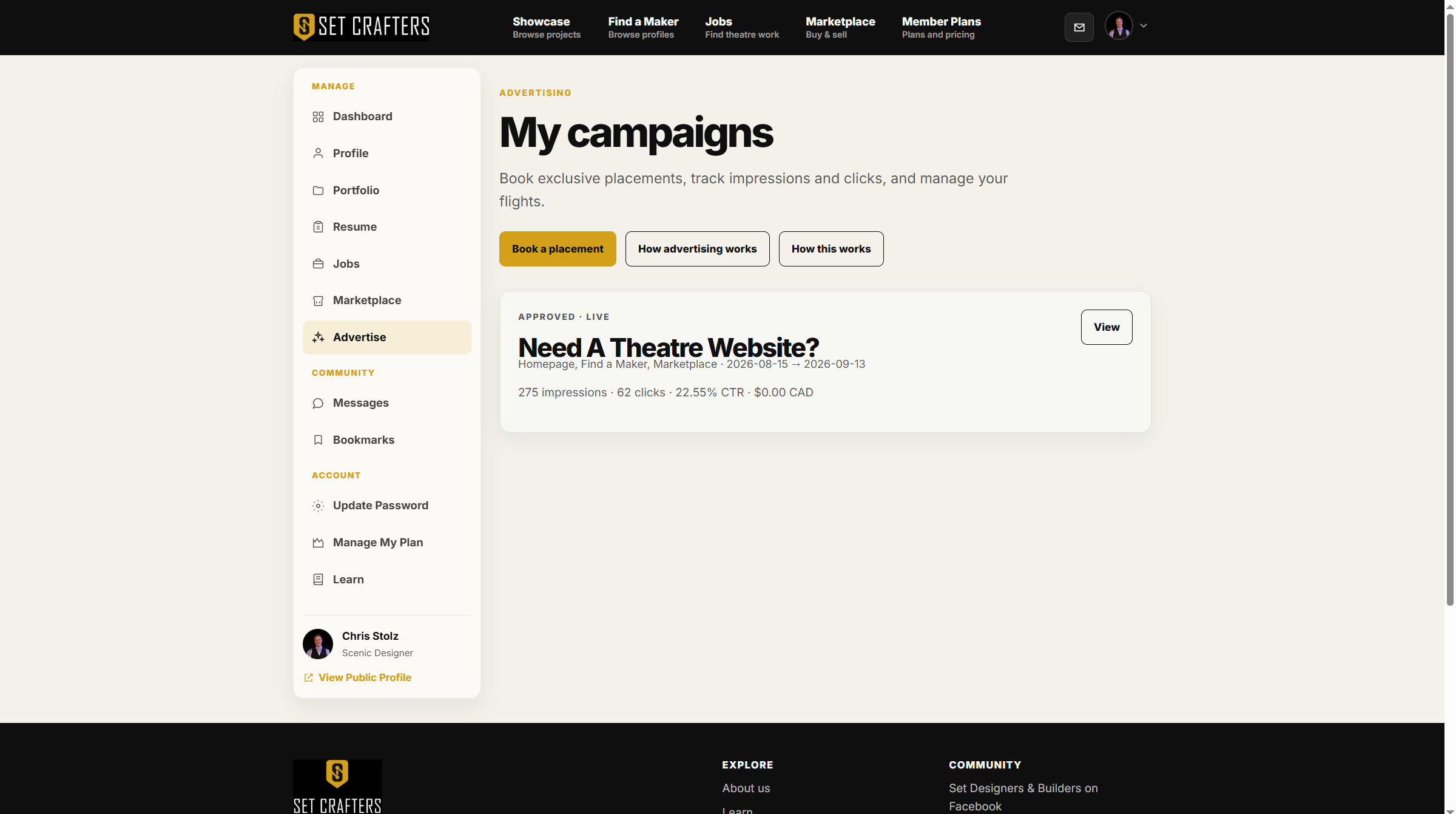
Book a placement is the primary button on My campaigns. -
Select one or more placements, a start date, and a duration. The page shows a quote and the creative size guide.
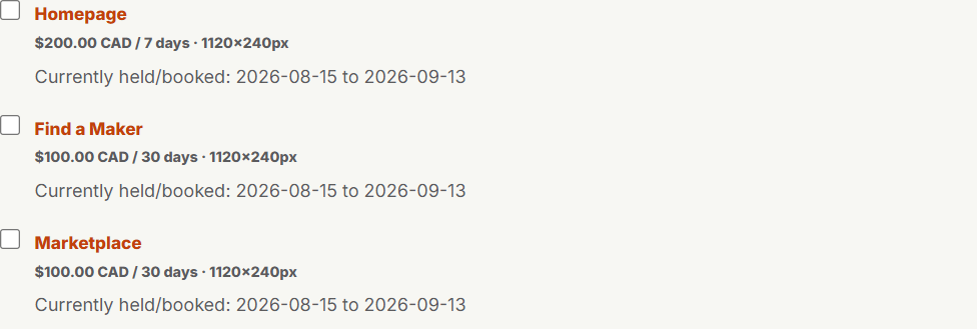
Placement checkboxes, dates, and the size guide sit on the booking form. -
Add a headline and destination URL, then upload a creative that matches the size guide.
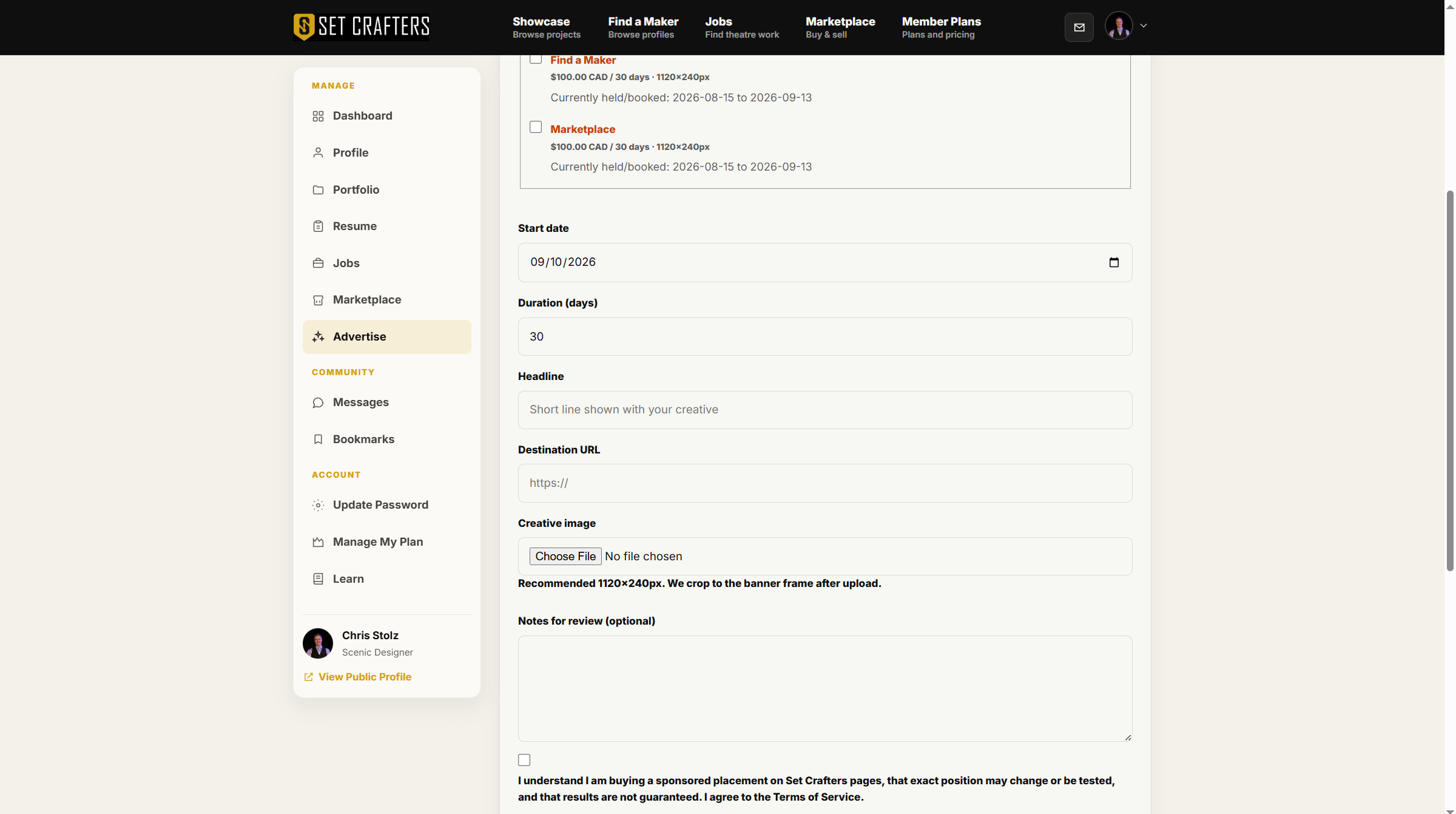
Headline, destination URL, and creative upload are required fields. -
Confirm the advertising terms and submit. You will pay at checkout when the booking requires it.
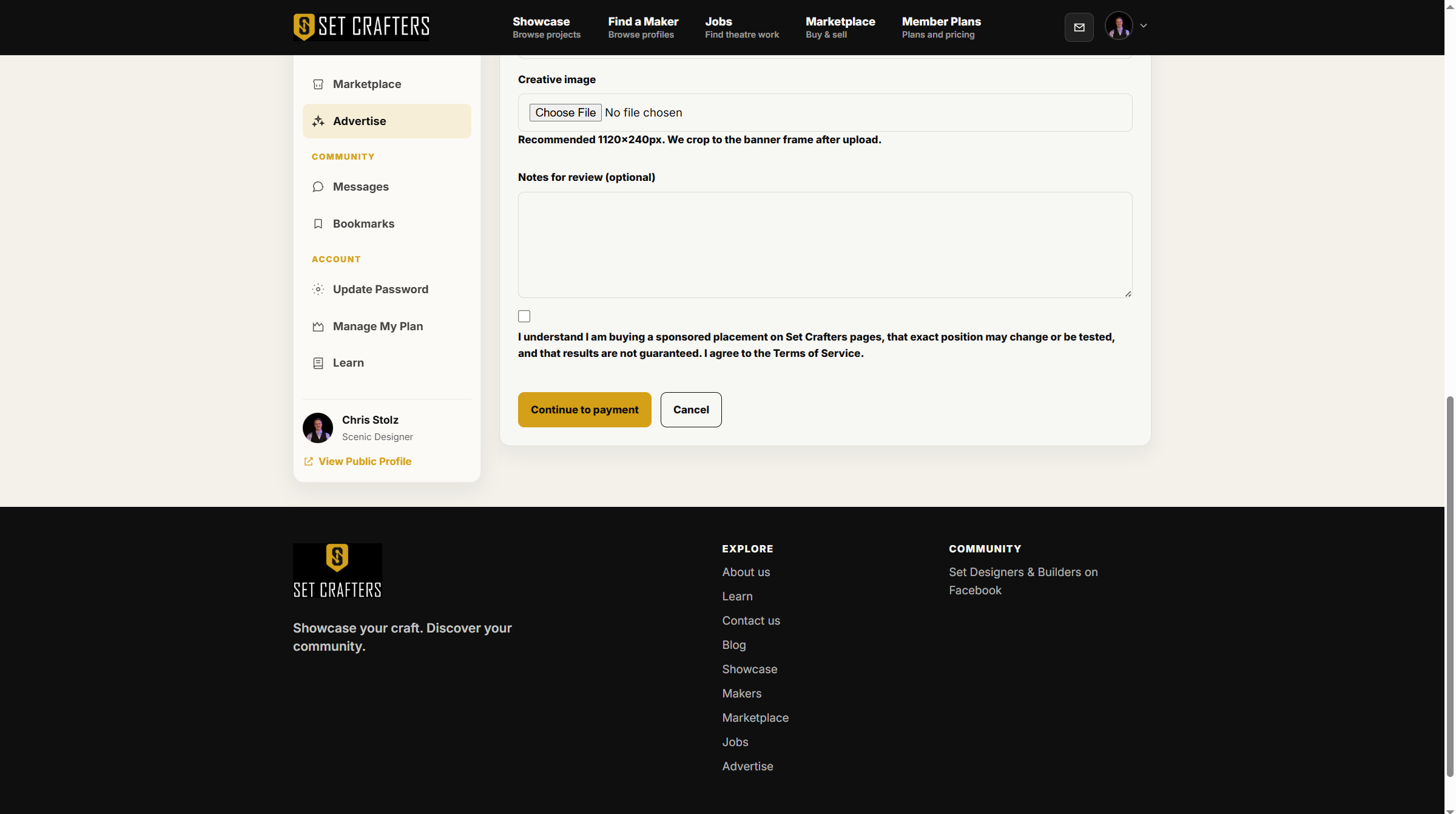
Agree to terms, then submit the booking form. -
Watch My campaigns for review status, then impressions and clicks after the flight starts.