Plans control extras like volunteer job postings and some advertising or visibility features. Free Maker always keeps a public profile.
-
Open Manage My Plan from the dashboard Account menu, or open Member Plans in the site header to compare first.
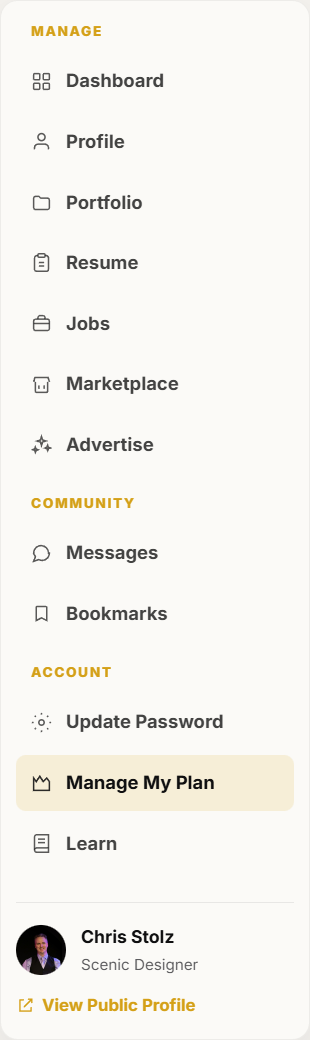
Manage My Plan is in the dashboard Account section. -
Review your current membership, renewal date, and what the plan includes.
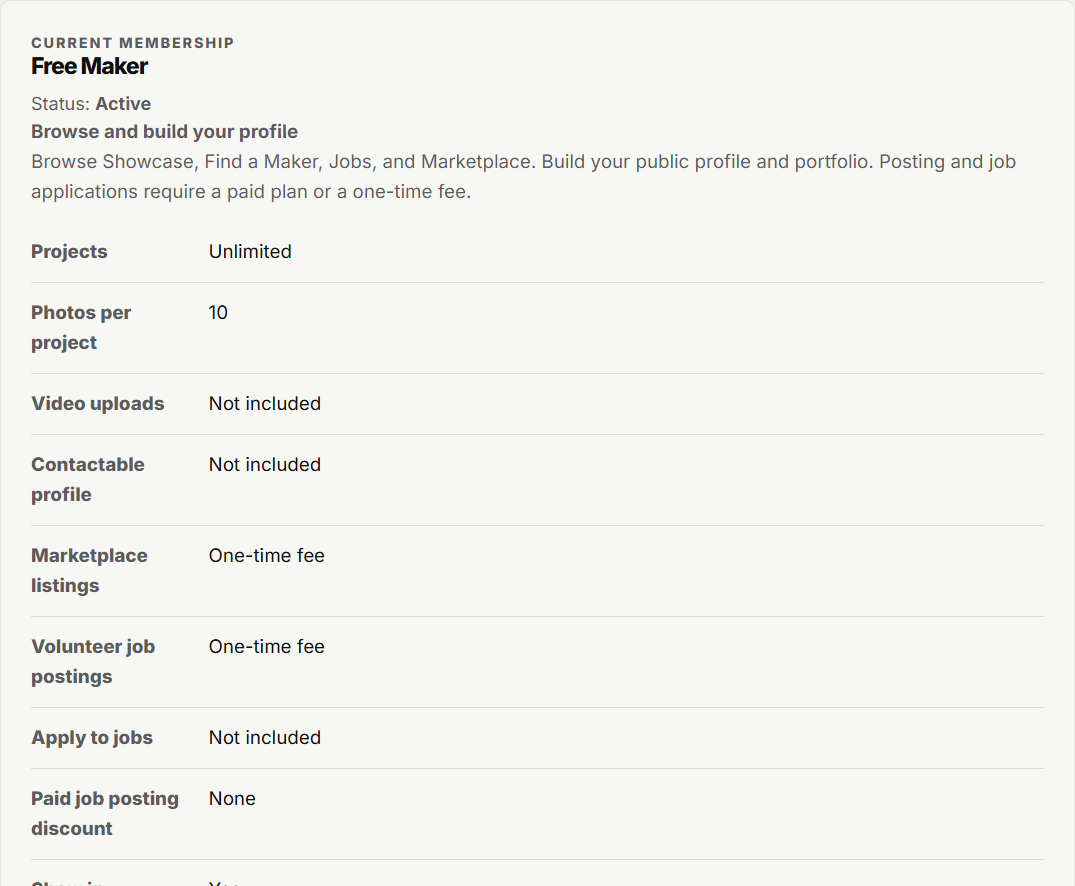
The plan page shows your current membership and status. -
To change plans, pick a new option and continue through Stripe checkout.
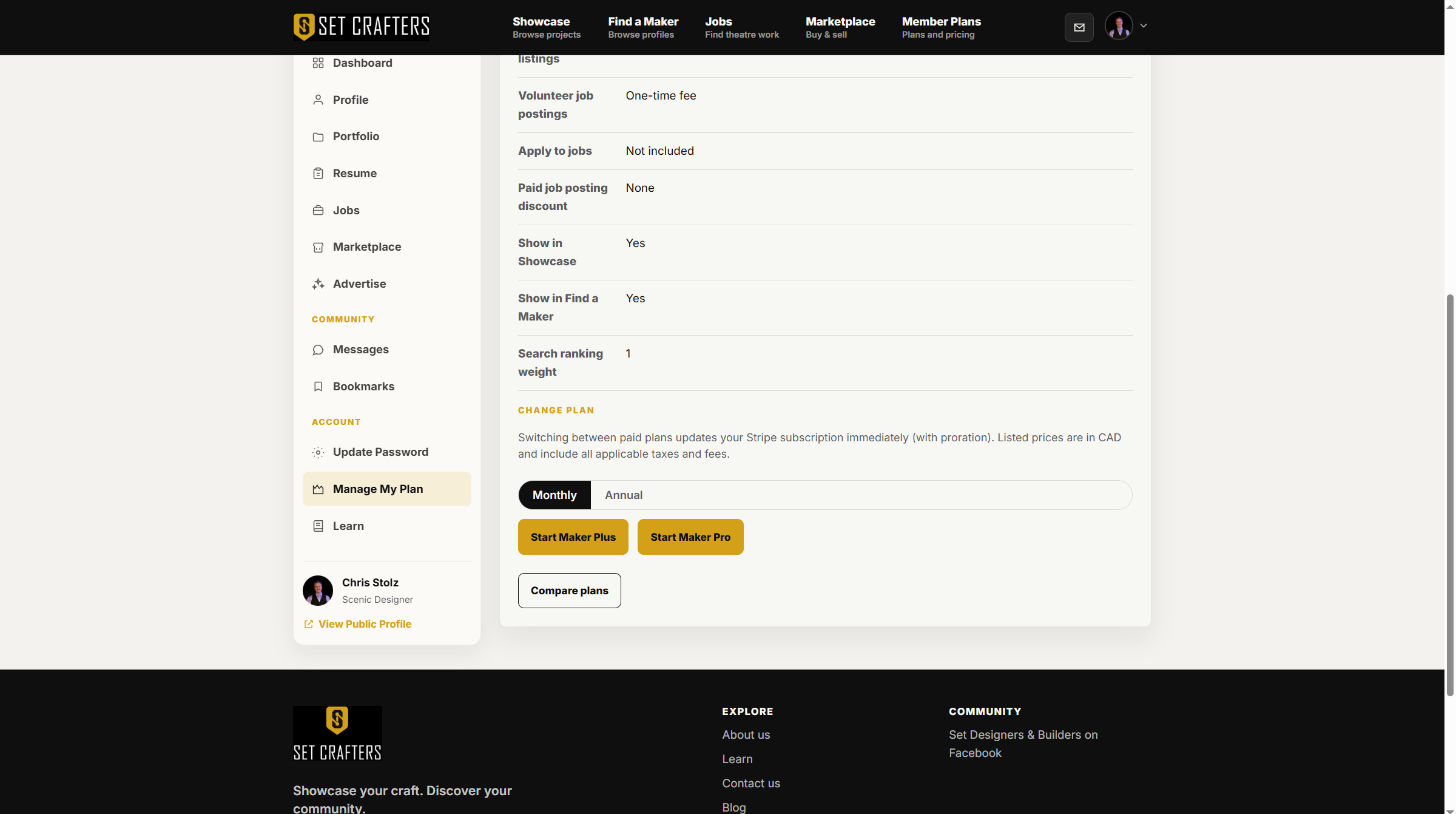
Plan change options sit below your current membership. -
To cancel, follow the cancel action on this page. You keep paid access until the end of the current period, then return to Free Maker.

Cancellation keeps access until the billing period ends. -
Use Member Plans anytime to compare Free Maker, Maker Plus, and Maker Pro side by side.
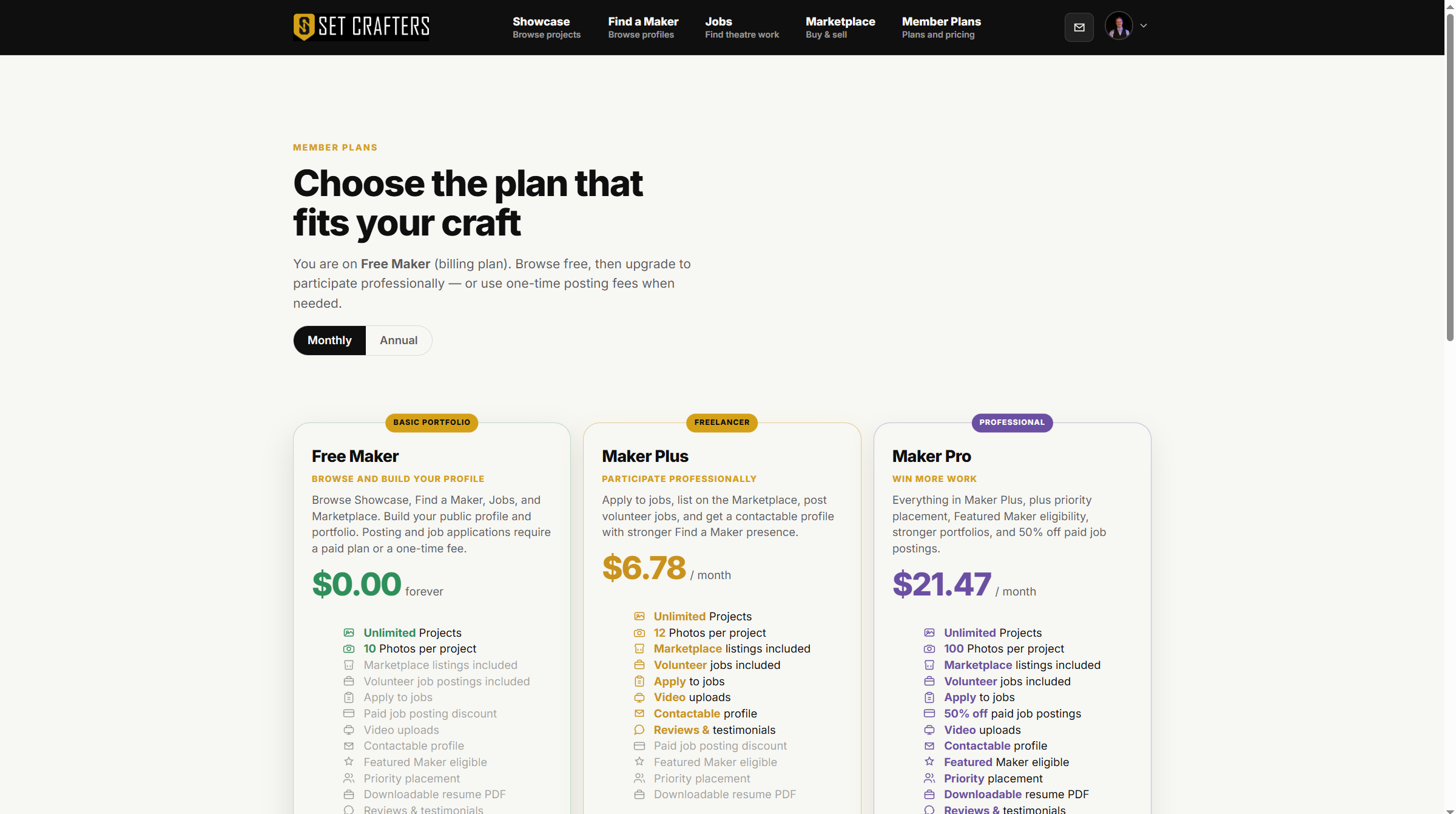
The public pricing page lists each maker plan.