Portfolio projects are the builds on your public profile. Public Showcase is the directory. Private and portfolio-only projects stay off Showcase.
-
Open Portfolio from the Creator Dashboard left menu.
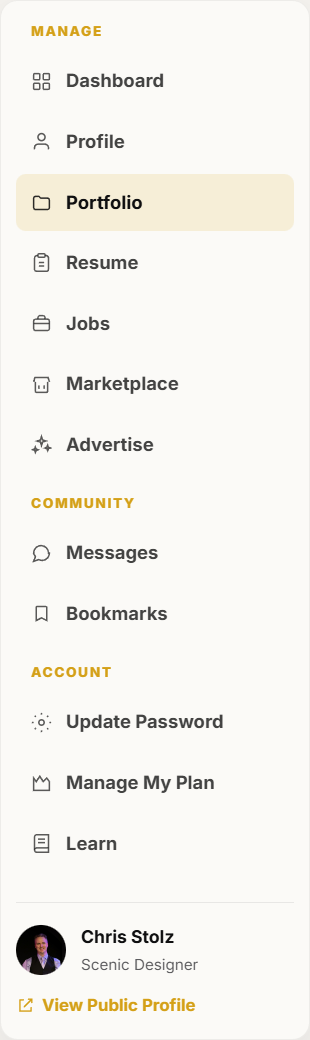
Portfolio is in the dashboard left menu. -
Click Add project.
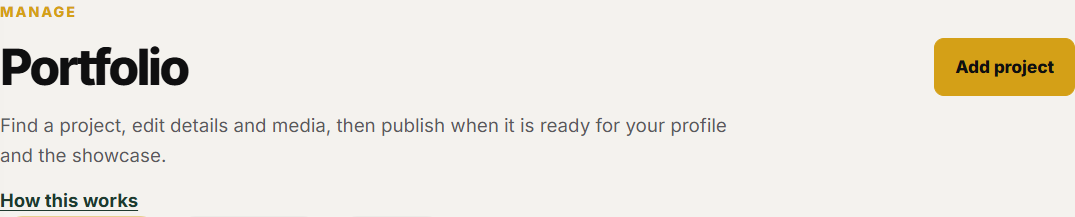
Add project is the primary button on the Portfolio page. -
Enter the production title, a short description, year, and skills, then save the details.
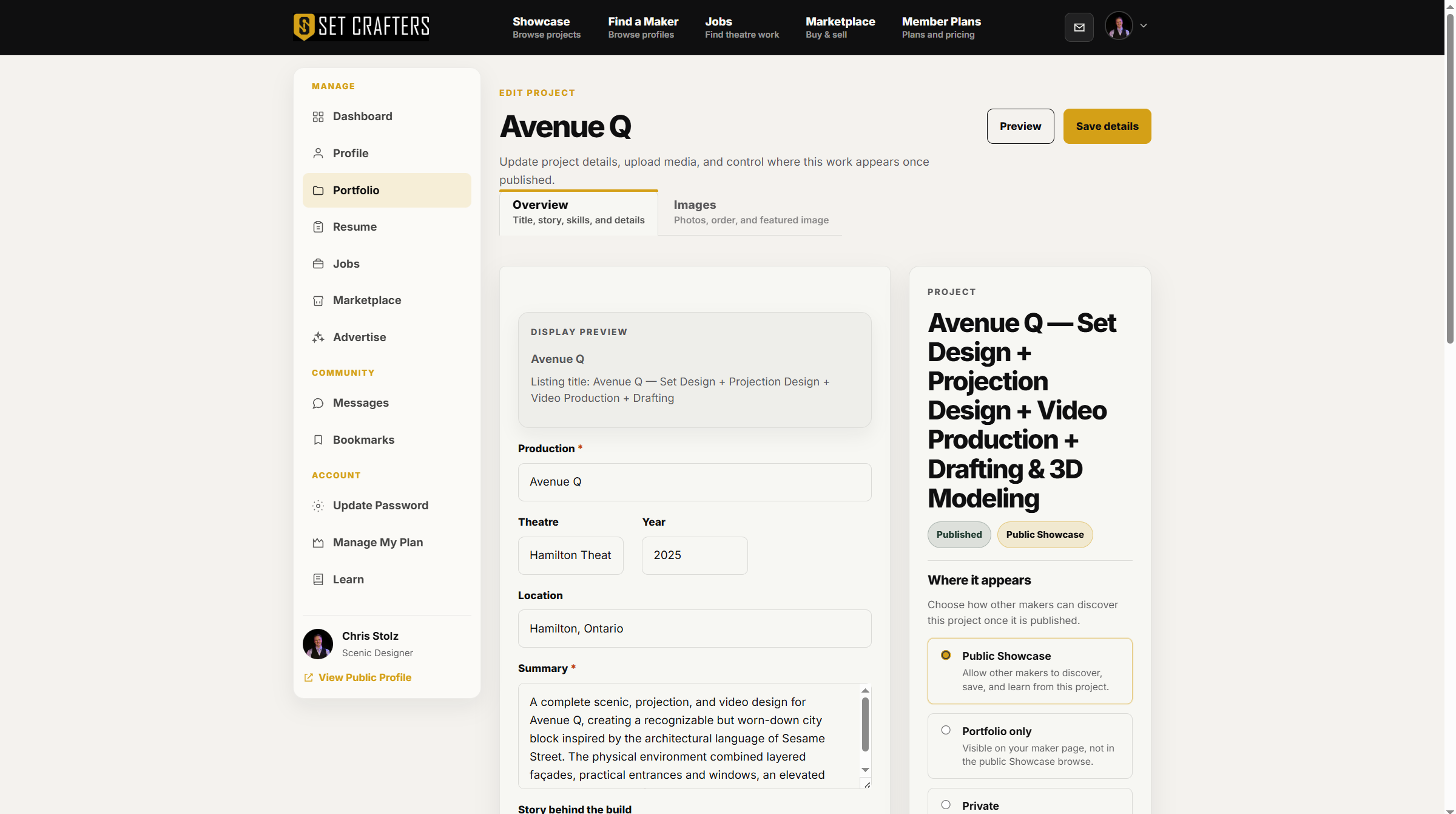
The project editor starts on the details tab. -
Open the media tab and add photos or video. One clear featured image helps the project read well in Showcase.
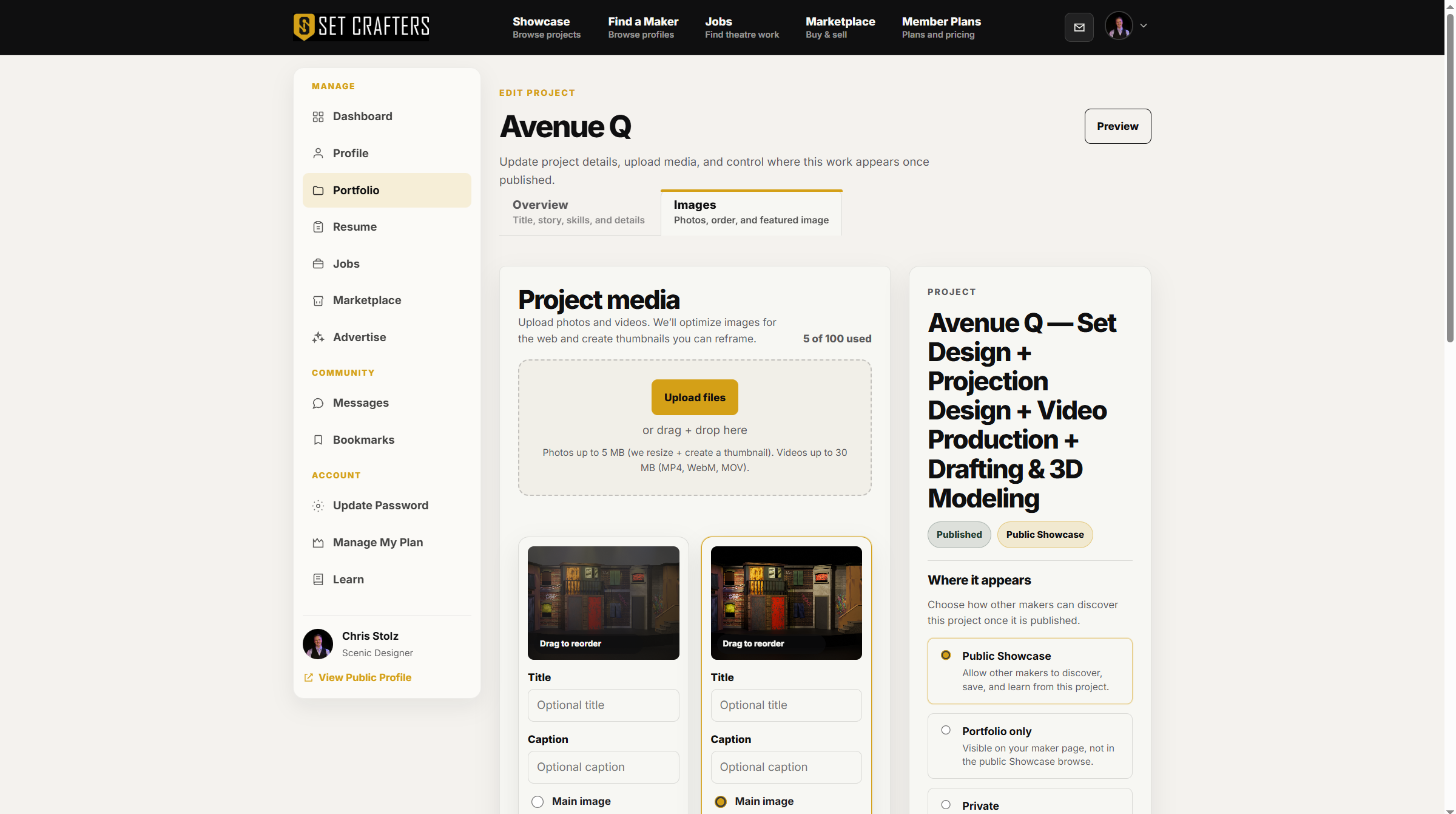
Project media is a separate tab in the project editor. -
Set visibility to Public Showcase, Portfolio only, or Private, then publish when the project is ready.
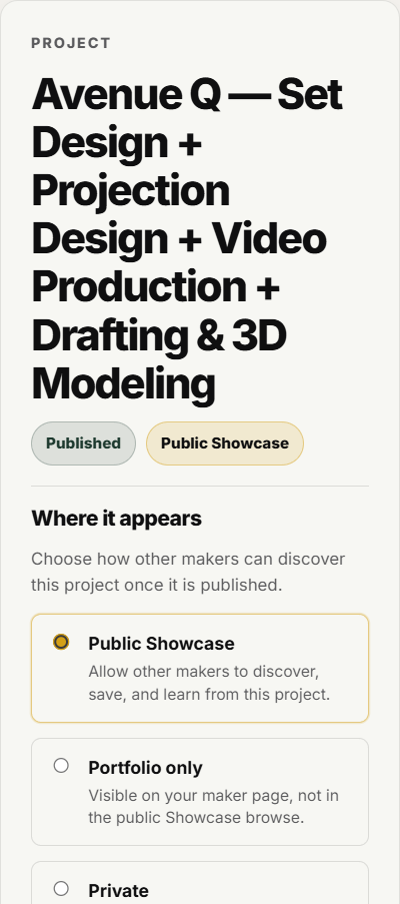
Visibility choices are Public Showcase, Portfolio only, and Private. -
Return to Portfolio to confirm the project is published. Use the dashboard preview link anytime to see it on your public profile.