Credits are the lines on your public resume. Portfolio projects hold the photos. Linking them puts a View Project link on that resume line once the project is published. If you still need to create either record from scratch, start with Add a Showcase project or Add resume credits and import a list.
Start from a project
-
Open Portfolio and click Add project.
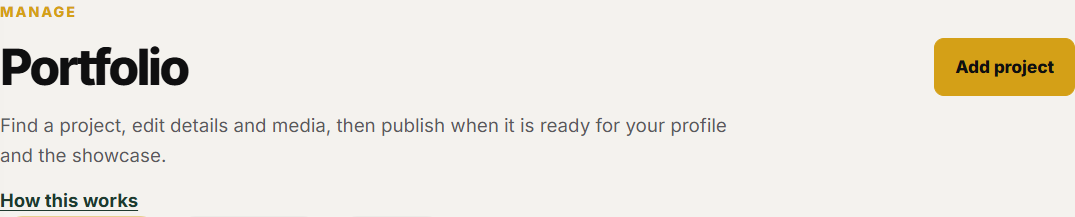
Add project is the primary button on the Portfolio page. -
If this production is already on your resume, choose it under Link an existing credit, then create the project from that credit. SetCrafters fills the production details and keeps the two linked.

The add-project screen can create a project from an existing resume credit. -
If it is a new production, click Start blank. Fill in the details, leave Also list this production on my resume checked, and create the project. That adds a matching credit.

Also list this production on my resume is a checkbox on the blank project form. -
If the project already exists, open it. The editor sidebar This production on your resume shows the linked credit, or lets you link an existing credit or create a new one from the project.
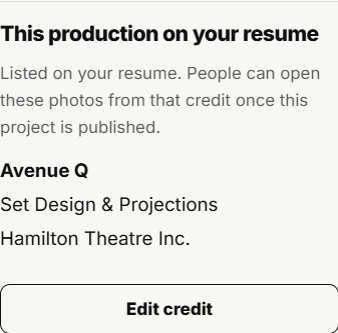
The project editor sidebar shows the linked resume credit.
Start from a credit
-
Open Resume and click Add credit.
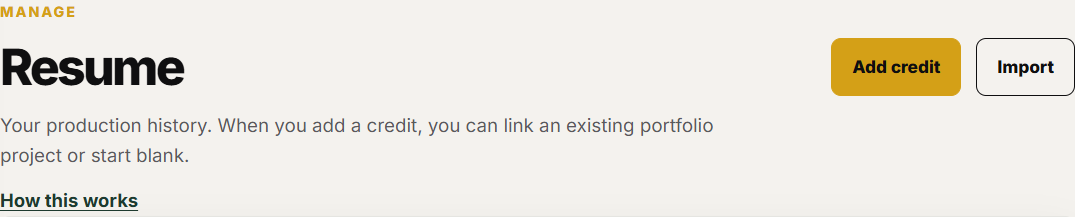
Add credit is the primary button on the Resume page. -
If photos already exist in Portfolio and are not linked yet, choose Link an existing project. That creates the credit from the project and keeps them linked. If every project is already linked, that card says so. Start blank, or add the project in Portfolio first.
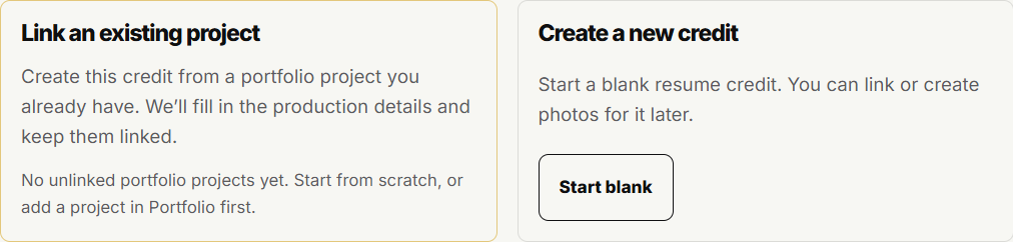
The add-credit screen can create a credit from an existing portfolio project. -
If the credit already exists without photos, open it. Under Does this production have photos?, create a project from this credit or link an existing project. Theatre and year copy onto a new draft project.
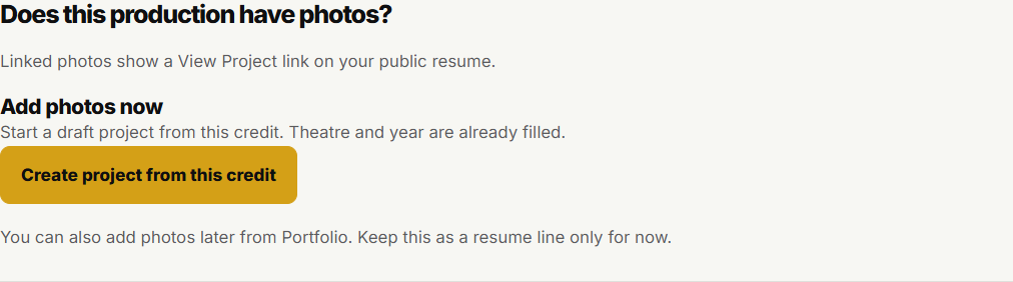
An existing credit can create a project or link one you already have. -
Back on the Resume list, a linked row shows Linked. People can open View Project from your public resume after that project is published.