Find a Maker is the public directory of makers who turned on visibility. Your own listing is controlled from Profile. See Edit your photo, bio, and visibility.
-
Open Find a Maker in the site header.

Find a Maker is in the main site header. -
Search by keywords, skills, or location, then open a maker.

The Find a Maker page has search filters and maker cards. -
Read the public profile: work, resume, and about.

A maker profile shows the public page visitors see. -
Open Hire when you want to work together. If that maker accepts messages, you can send an inquiry from there. Replies land in Messages, not Listing inquiries. See Send and read messages.
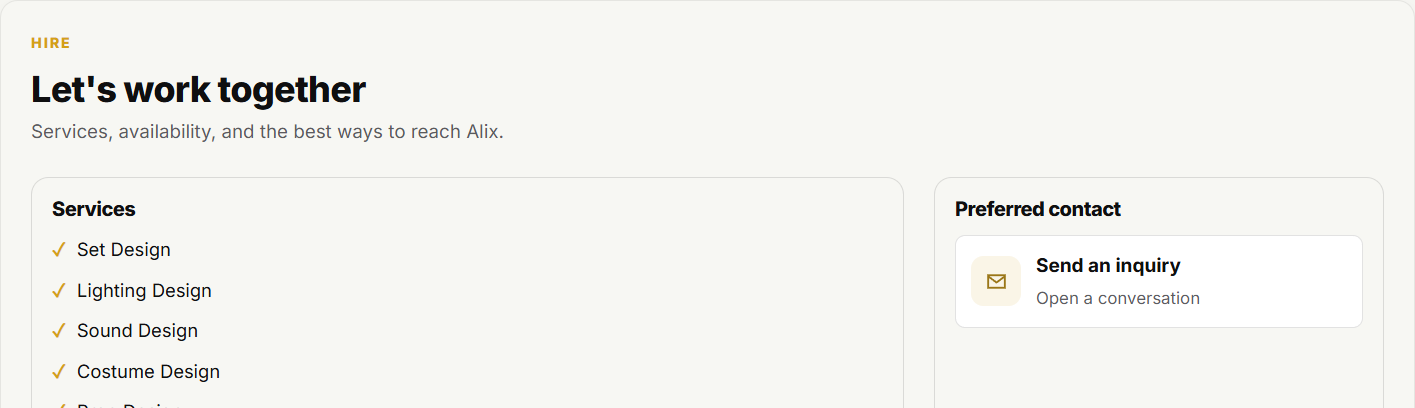
Hire is a tab on a maker profile you do not own.