Your Profile page controls the name, photo, bio, and discovery settings behind your public maker page.
-
Open Profile from the Creator Dashboard left menu.
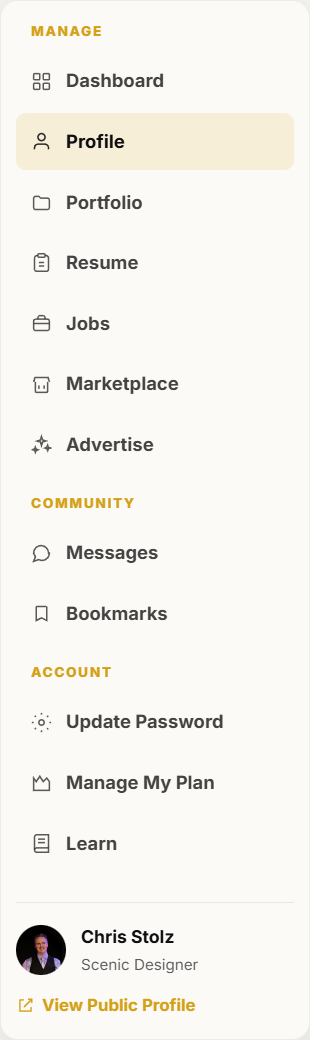
Profile is in the dashboard left menu. -
Upload or crop your profile photo and optional cover image, then save.
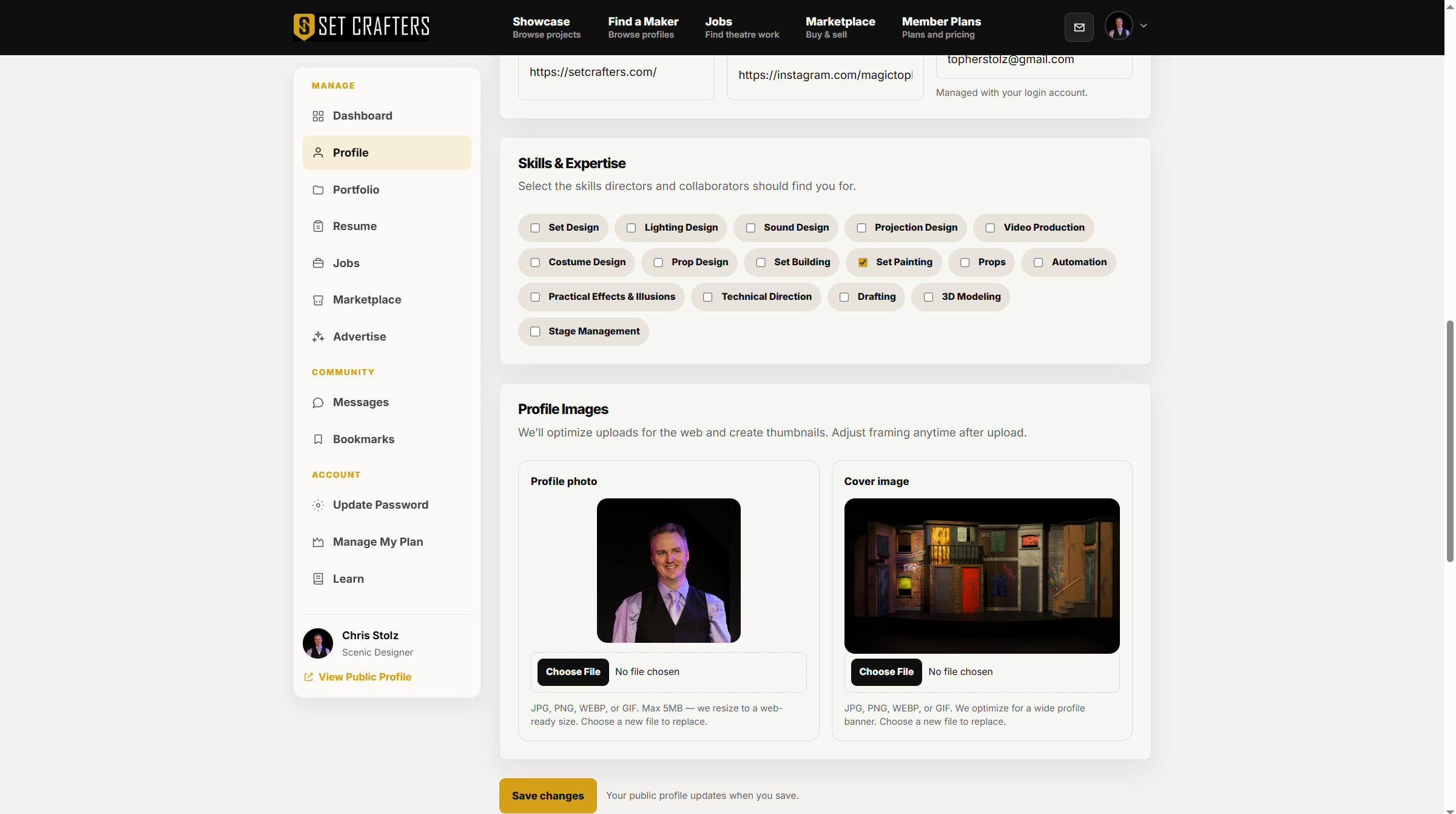
Profile photo and cover controls are at the top of Profile settings. -
Fill in your display name, headline, primary role, bio, location, and links.
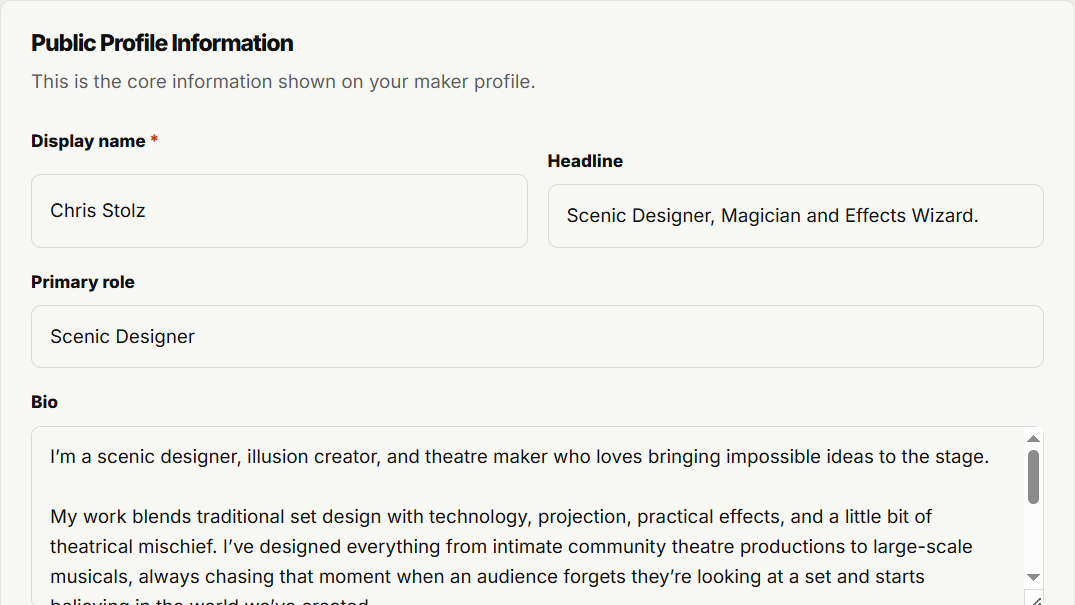
Name, headline, role, and bio fields sit in the Profile details section. -
Under Visibility & Availability, turn Visible in Find a Maker on when you want productions to find you in search. Leave it off to stay off that directory.
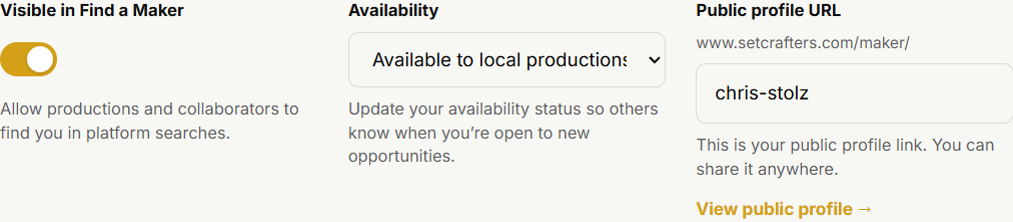
Find a Maker visibility is the toggle labeled Visible in Find a Maker. -
Set your availability, check your public URL under
/maker/, then click Save profile.
Save profile is the primary button at the bottom of the Profile form. -
Use Preview profile in the header to see the public page collaborators see.