You can ask us to delete your account at any time. There is no delete button in the dashboard. We handle the request so we can confirm it is you.
Canceling a paid plan only stops billing. It does not delete your account. See Manage your plan and billing.
-
Open Contact us in the site footer.

Contact us is in the site footer. -
Choose category Delete my account. Use a subject such as Please delete my account, and say you want the account removed.
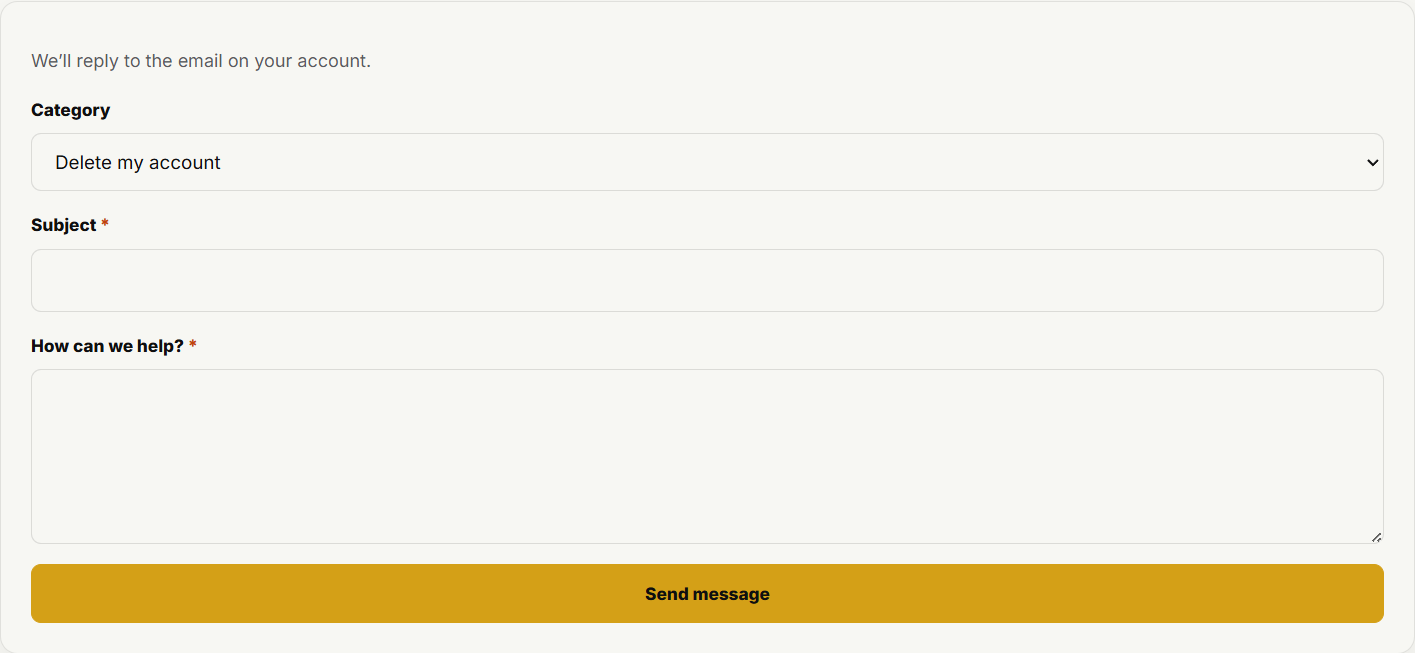
The contact form includes a Delete my account category. -
Send the message. If you are signed in, we reply to the email on your account. We may ask you to confirm it is you before we delete.
-
After deletion, your public profile, Showcase projects, and listings come down. We may keep billing records as required for tax and accounting. Details are in the Privacy Policy.