SetCrafters is administered from your Creator Dashboard. This guide is only about using the site, not about how to design a set.
-
Open Join from the site header and create an account with your email.

Join is in the site header when you are signed out. -
Confirm your email if SetCrafters asks you to, then sign in.
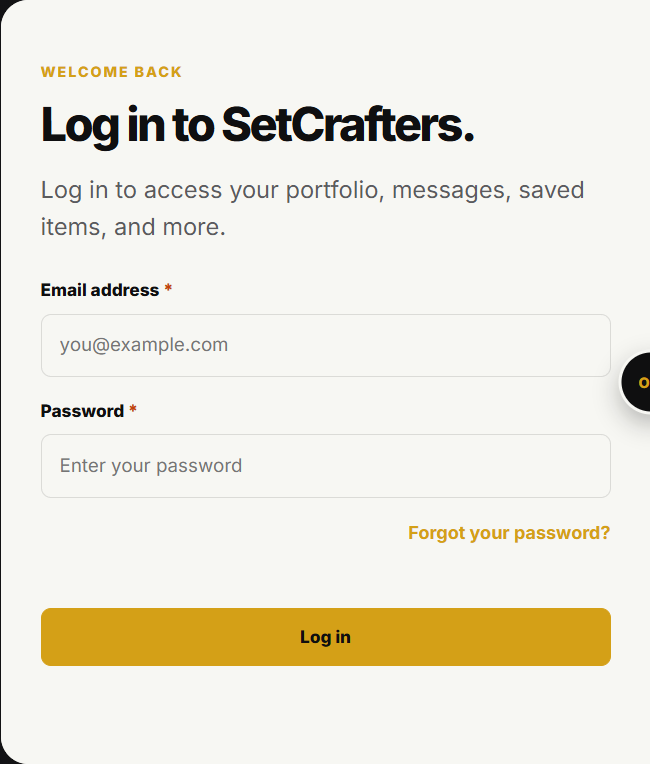
The login form is at /login. -
Open Creator Dashboard from your account menu. That takes you to Overview.
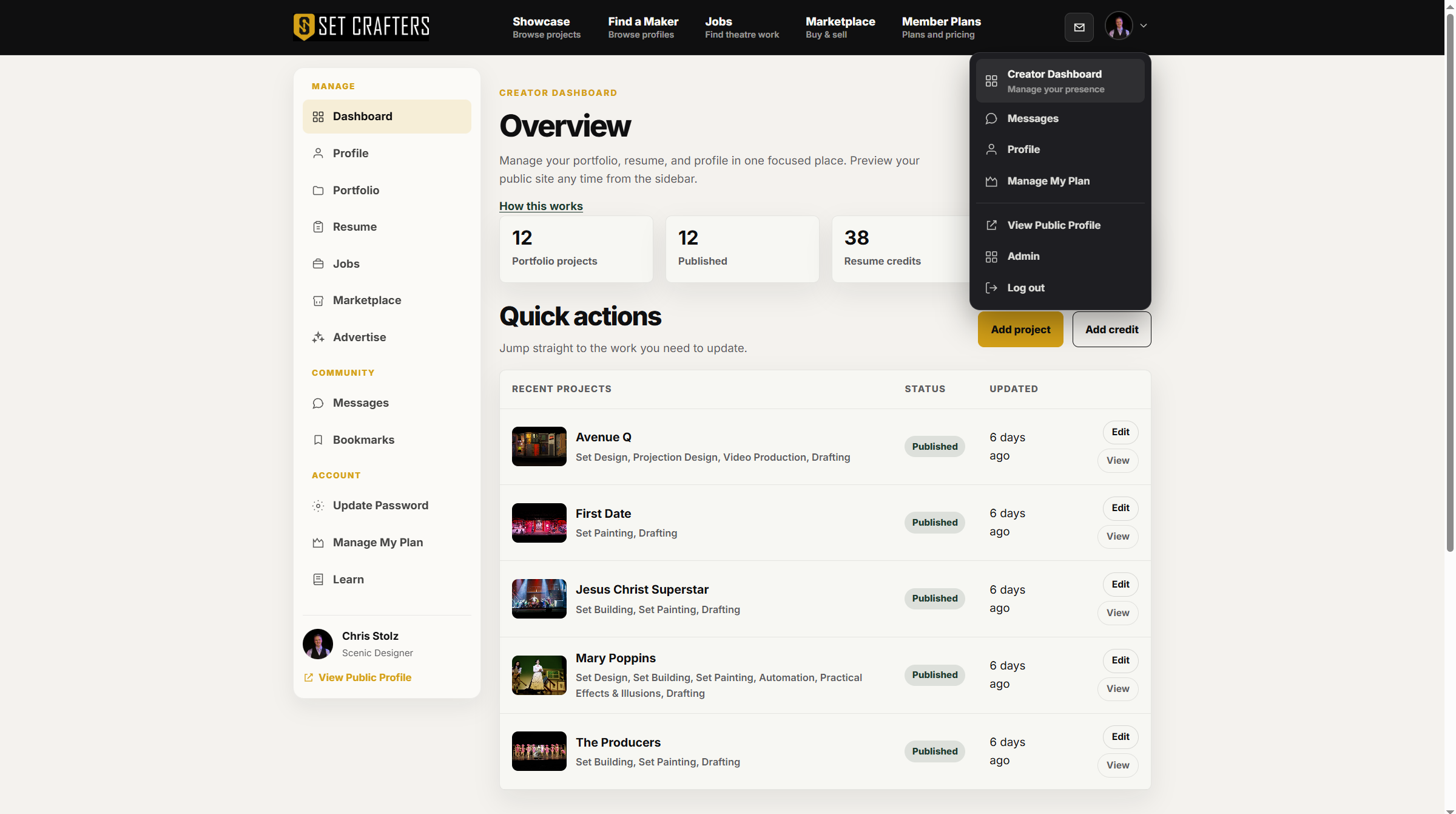
Creator Dashboard is in the account menu after you sign in. -
Use the left menu to move between Profile, Portfolio, Resume, Jobs, Marketplace, and Advertise.
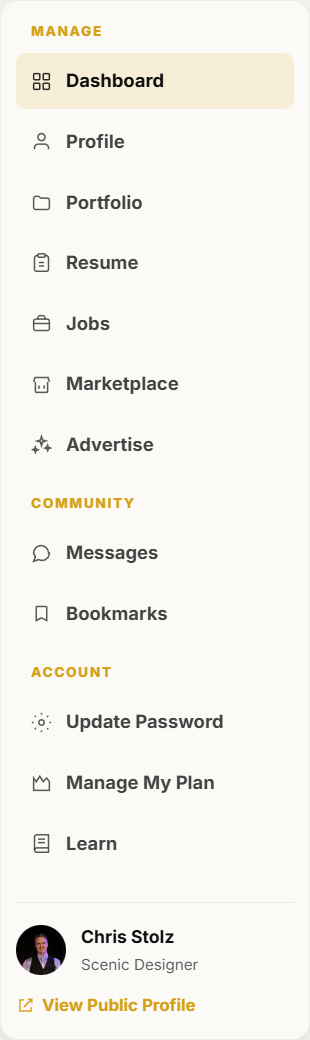
The dashboard left menu lists Profile, Portfolio, Resume, Jobs, Marketplace, and Advertise. -
Open Learn from the dashboard menu or the site footer whenever you need a how-to for the screen you are on.