Bookmarks are Showcase projects you save while browsing. Marketplace listings have a separate Save listing action on the listing page. That is not this list.
-
Open a project in Showcase.

Showcase is in the main site header. -
Click Save. The button reads Saved after it is bookmarked. Sign in if SetCrafters asks you to.

Save is next to Like on a project page. -
Open Bookmarks in the dashboard Community section to see the saved list.
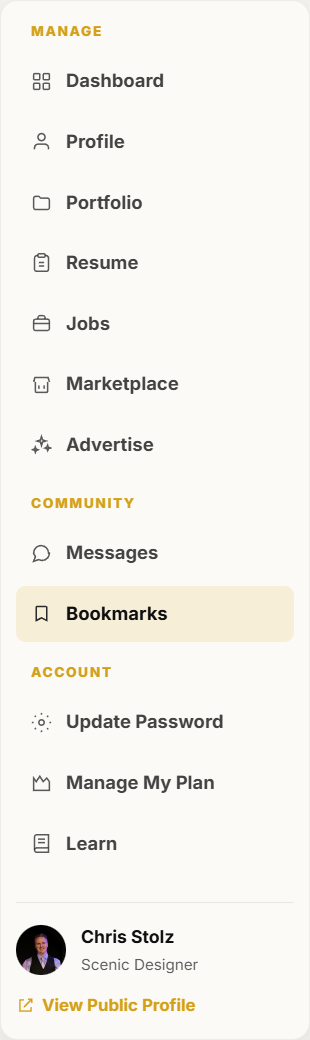
Bookmarks is in the dashboard Community section. -
Open a saved project from that list, or browse Showcase to add more. If you have not saved anything yet, the page stays empty until you do.
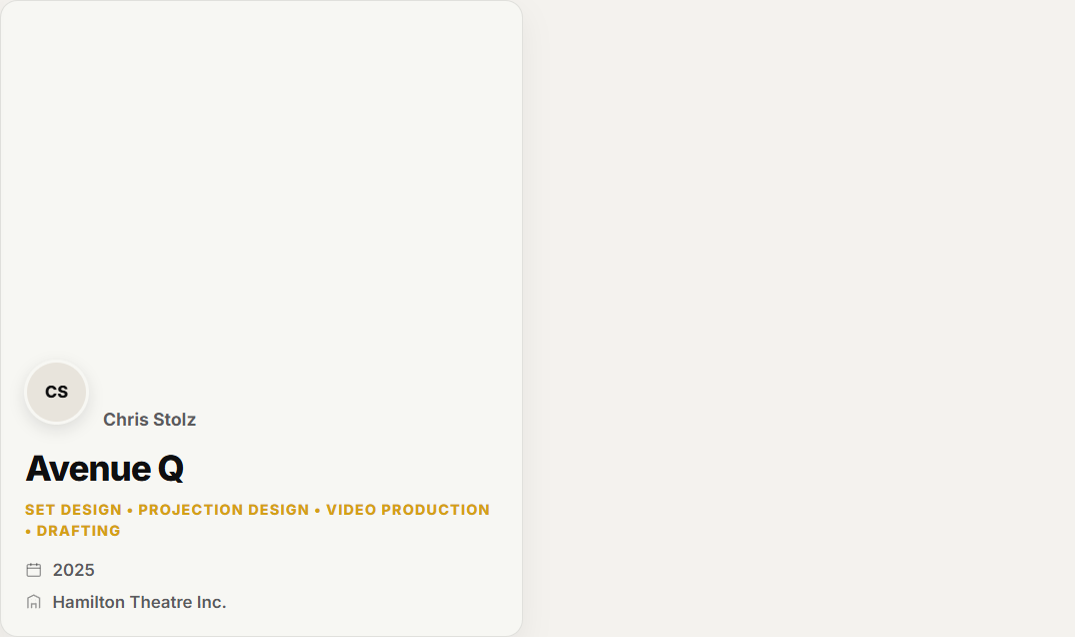
Saved projects appear as cards on Bookmarks.