Update Password changes only your sign-in password. Your public profile, plan, and listings stay as they are.
-
Open Update Password in the dashboard Account section, or use the account menu.
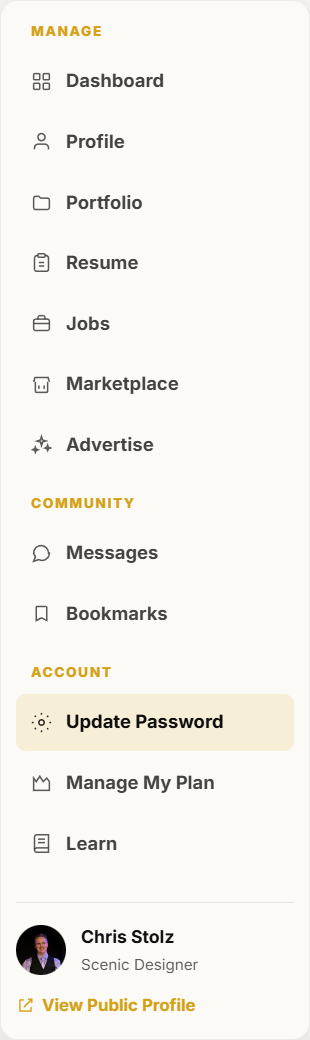
Update Password is in the dashboard Account section. -
Enter your current password, then the new password twice.
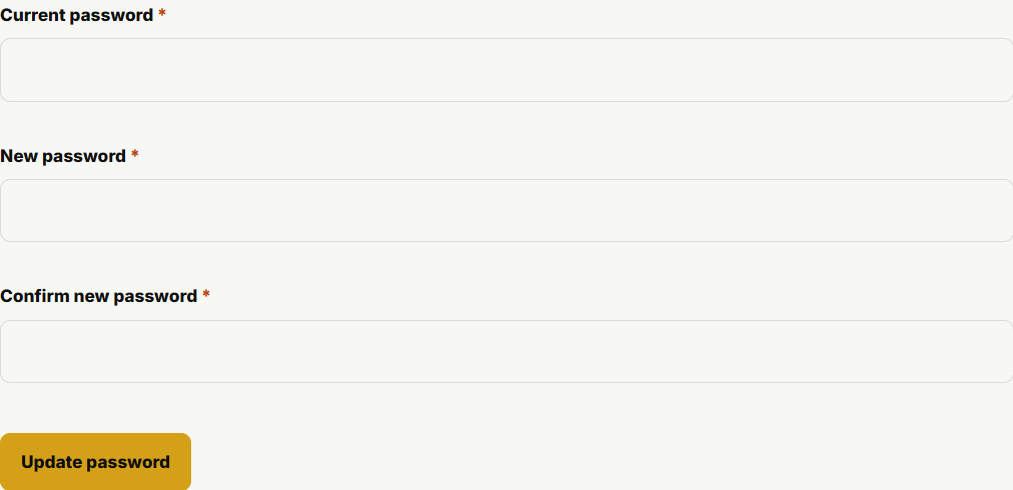
The password form asks for the current password and a new password. -
Save. Use the new password the next time you sign in. If you cannot remember the current password, use Forgot your password? on the login page instead.